

SEO
Digital Markeing on a Small Budget: What Actually Works

Digital markeing on a small budget works when you put your money into the few things that bring in enquiries, and skip the rest. For most local businesses that means a website that explains what you do, a free Google listing, and then either SEO or Google Ads. Social media and email come second. Here is what to do first, what to skip, and how to check that it pays.
What does digital markeing on a small budget include?
Plenty of people type it into Google as "digital markeing", and Google understands what they mean. It is every way you win customers online. The job comes down to two things: get the right people to your business, and make it easy for them to contact you. The rest is tools and jargon.
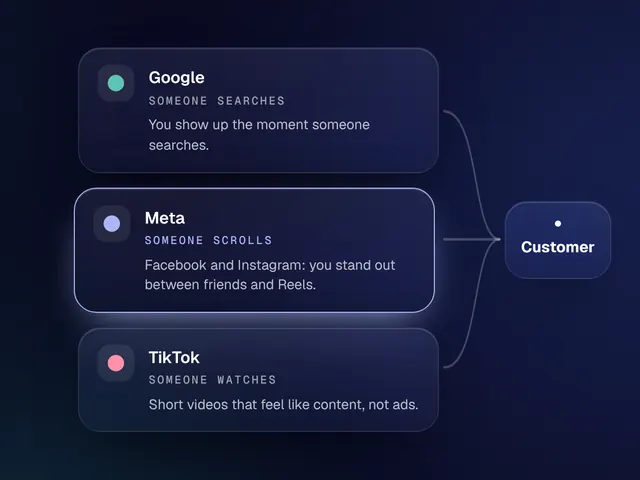
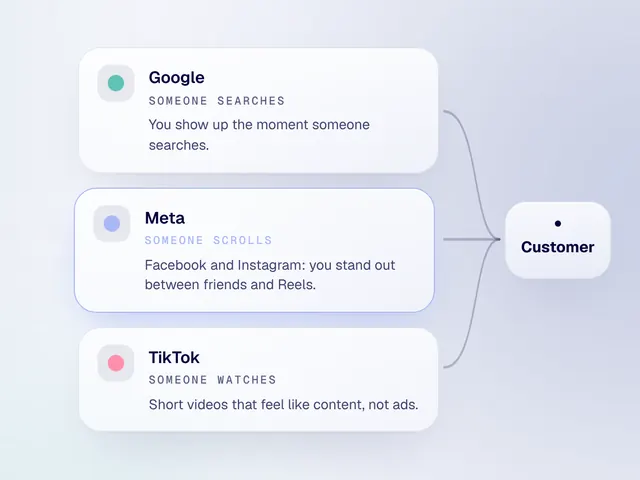
The main channels (the places where customers can find you) are these:
- Your website: the place where every other channel sends people. If it is unclear, nothing else pays off.
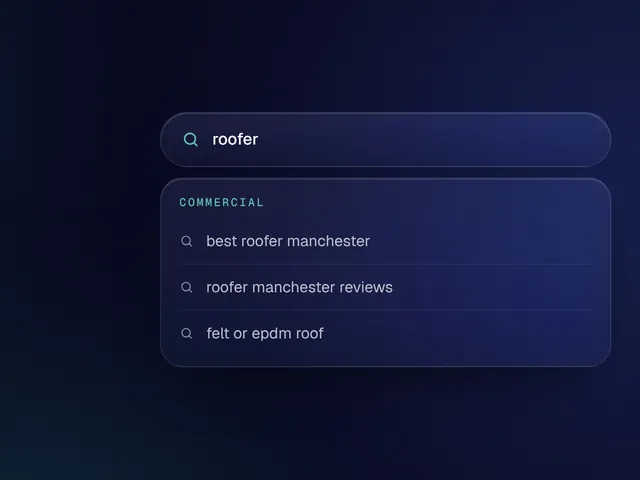
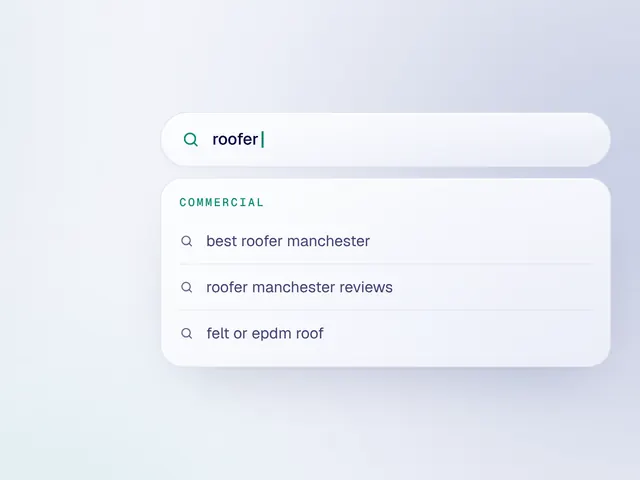
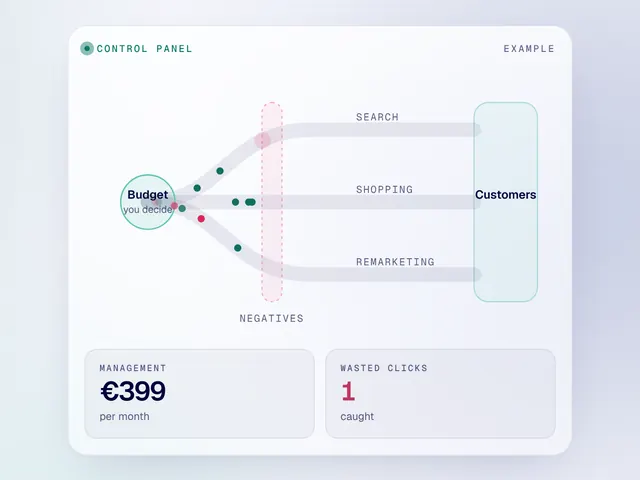
- Search: people typing what they need into Google. You can appear there over time without paying per click (SEO) or by paying per click (Google Ads).
- Social media: Instagram, Facebook, LinkedIn and so on. Good for being seen, slower for getting enquiries.
- Email: messages to people who already know you. Cheap, and good for repeat customers.
- Reviews and maps: your Google Business Profile, the free listing with your opening hours, photos and reviews.
Where do you start with digital markeing if you have no experience?
Start with the things that cost time, not money. You can do them from home, in a few evenings, without any training.
First, look at your website as a stranger would. Can you tell within five seconds what you do, where you work and how to reach you? Put your phone number and a clear contact button at the top of every page. Then claim your Google Business Profile and fill it in completely: correct address, opening hours, services and real photos of your work.
Next, ask your last ten happy customers for a Google review. Send them a direct link and keep the message short. A café in Palma or a plumber in Leeds with fifty honest reviews will often get more calls than a competitor with three, even if the competitor spends more on ads.
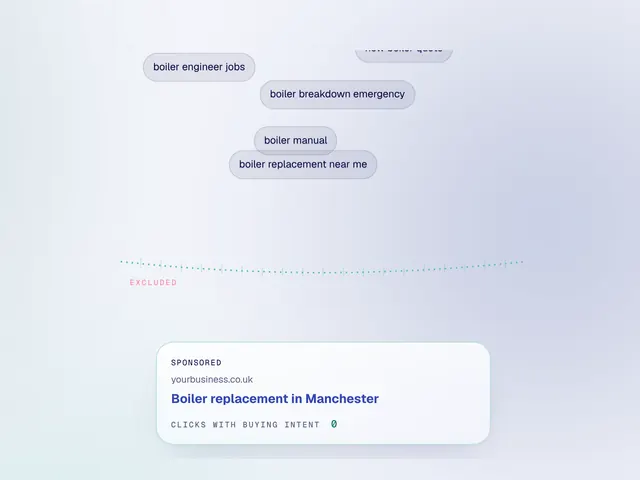
Only after these three steps does it make sense to pay for traffic. Sending paid visitors to a website that does not convince them is the most common way a small budget disappears.
SEO or Google Ads: which one fits a small budget?
Both bring people who are already searching for what you sell. The difference is speed, and what happens when you stop.
Google Ads puts you at the top of the results quickly, and you pay each time someone clicks. When you stop paying, the visitors stop. SEO is the slow route: you improve your website and your pages so Google shows you in the normal results. It takes months, but the visitors do not vanish the moment you stop paying for the next month.
A practical rule for digital markeing on a tight budget: if you need enquiries this month and customers search in a hurry (a locksmith, an emergency dentist, airport transfers), start with ads. If you can wait a few months and your customers compare before they buy (a wedding florist, an accountant, a renovation company), start with SEO.
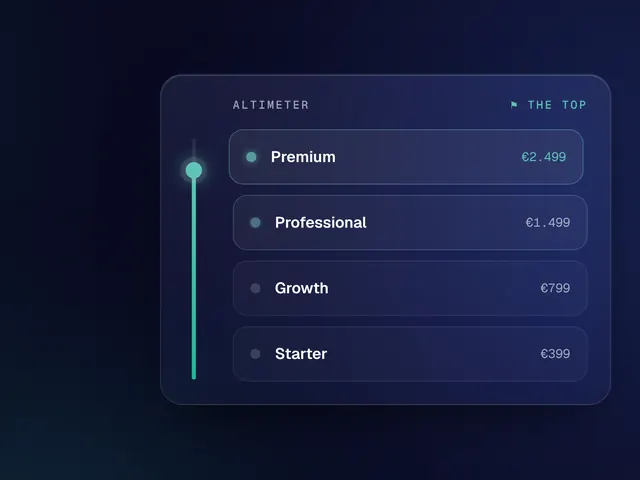
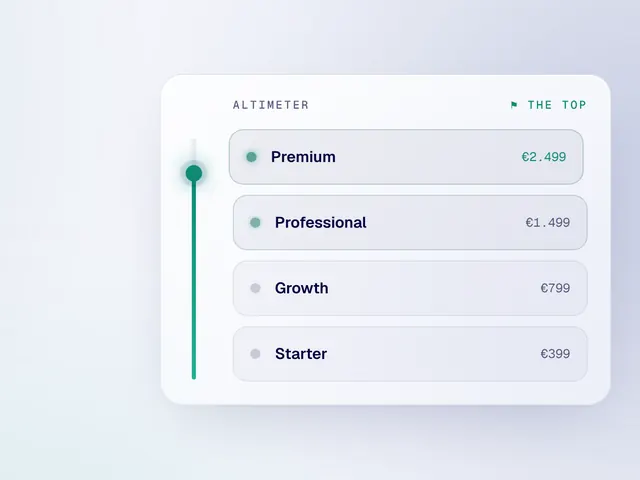
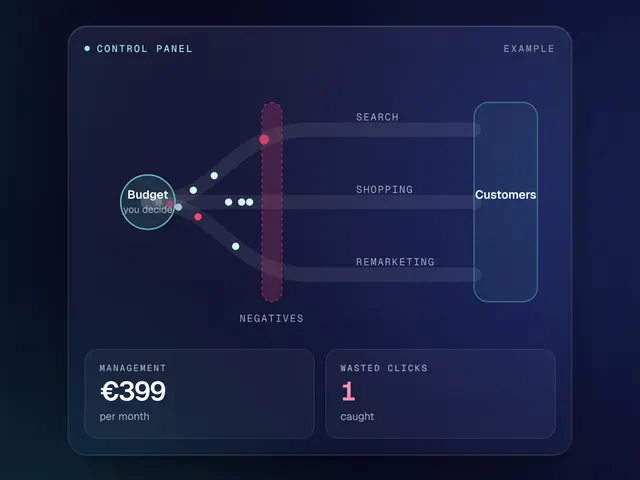
My SEO and Google Ads packages start at €399 a month and you can cancel every month. For Google Ads, the ad budget you pay to Google comes on top. If your total budget is lower than that, do the free steps above yourself first. That beats a half-funded campaign.
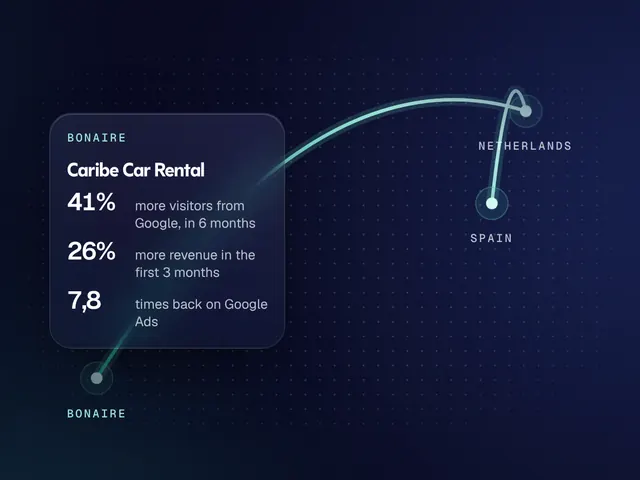
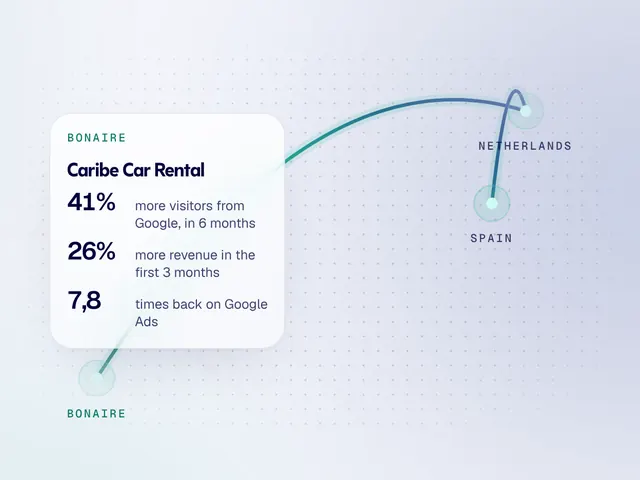
A real example: for Caribe Car Rental on Bonaire I built the website and ran SEO and Google Ads together. They saw 41% more organic traffic in 6 months and 26% more revenue in the first 3 months. Every euro spent on Google Ads returned €7.80. That is one business in one market, so your results will differ, but it shows what a focused setup can do.
What should you skip in digital markeing when money is tight?
Saying no is half of a small budget. These are the usual money drains:
- Being on every social platform. Pick the one where your customers actually are and post there steadily.
- Buying followers or likes. They never become customers.
- Brand campaigns. Awareness adverts make sense for large companies, not for a business that needs ten enquiries a month.
- Piles of software subscriptions. A free analytics tool and your own phone are enough at the start.
- Bought email lists. They harm your reputation and rarely lead to sales.
Does digital markeing really pay?
It pays when you can connect what you spend to the work you win. That means counting. Every month, write down how many calls, form messages and WhatsApp messages came in, how many became customers, and what a customer is worth to you.
Here is a simple example. Say a job earns you €200 profit and one in four enquiries becomes a job. Then one enquiry is worth about €50 to you. If Google Ads brings you an enquiry for €30, it pays. If it costs €80, it does not, and you change the campaign or stop. The numbers you track like this are called KPIs, and you can read which ones matter in what a KPI is.
Be wary of anyone who promises results by a certain date. Nobody controls Google. What you can control is that you measure honestly and move your money to what works.
What does a sensible first three months look like?
Month one: fix the basics. Clear website text, a visible phone number, a complete Google Business Profile and a first round of reviews. If you need a new site, a one-pager starts at €699, and with me you see the new website before you sign.
Month two: choose one channel and start small. Ads if you need enquiries soon, SEO if you can wait. Make sure every enquiry is counted, including phone calls.
Month three: look at the numbers. Which search terms or pages brought real enquiries? Put more money there, and cut what brought only visitors.
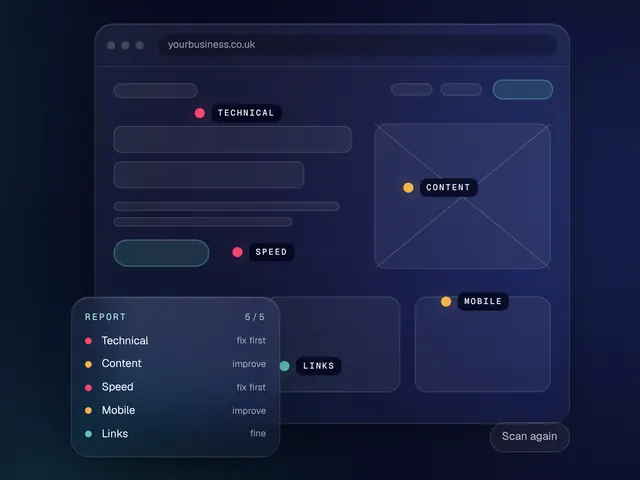
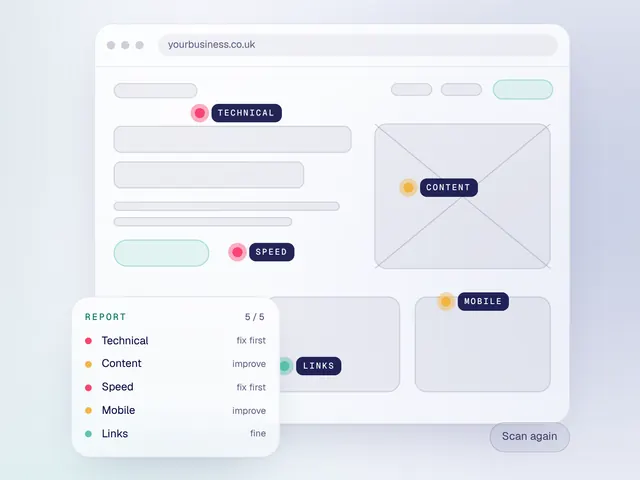
If you want a second opinion before you spend anything on digital markeing, request the free quickscan. I look at your site myself and tell you which single thing I would pay for first.
Frequently asked questions
What does a digital marketer do exactly?
A digital marketer gets the right people to a business online and makes it easy for them to become customers. In practice that means improving the website, working on Google results, running ads, handling reviews and email, and measuring which of these bring enquiries. In a small business, the owner often does all of this.
How do beginners start digital markeing from home with no experience?
Start with your own business or a small local one. Fix the website text, set up a Google Business Profile, ask for reviews and track every enquiry in a simple list. These steps cost time, not money. Once you see what brings customers, add one channel, such as Google Ads or SEO, and learn from the numbers.
Does digital markeing really pay?
It can, but only if you measure it. Compare what you spend with the profit from the customers it brings in. If an enquiry costs less than it is worth, it pays. If you do not track calls and messages, you cannot know, and that is where many small budgets go wrong.
How much can a beginner earn in digital markeing?
It depends too much on the route to give a number. As an employee or freelancer, pay varies by country, skills and clients. In your own business, the return is extra customers instead of a salary. Either way, income follows proven results, and a beginner needs time to build them.
Dimitry founder of Growetic. He does SEO, Google Ads and websites for businesses in the Netherlands, on Bonaire and in Spain.