Websites
How to Build a WordPress Website Yourself: Steps, Pages, Plugins and Costs
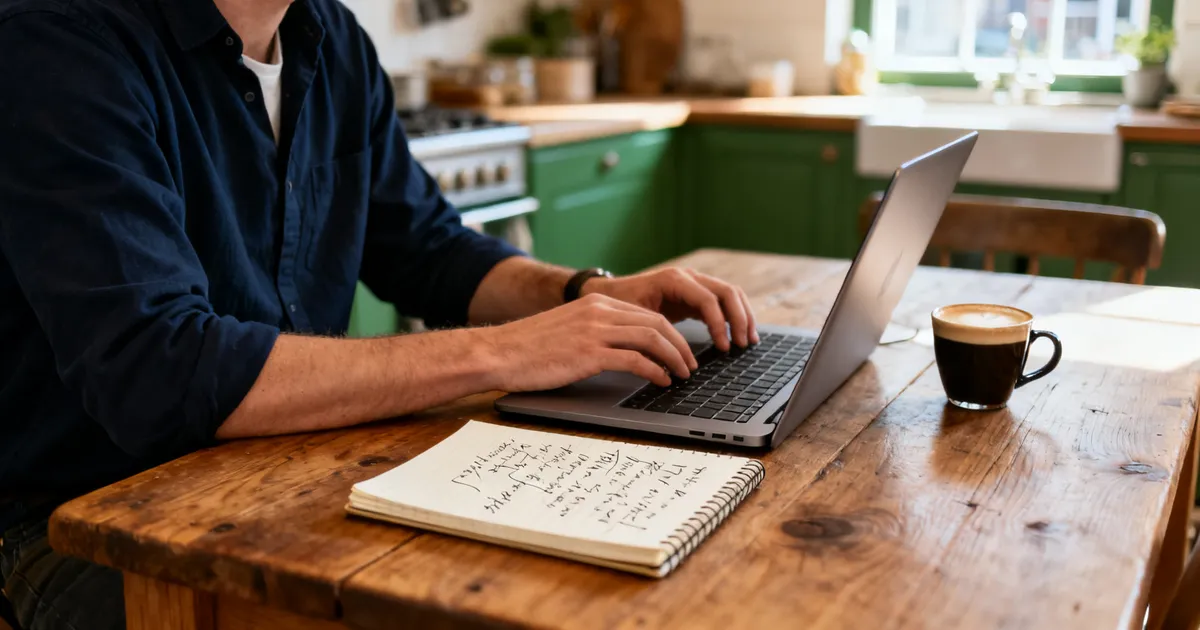
How to build a WordPress website without writing code: arrange your domain and hosting first, install WordPress, pick a theme, fill in your pages, and only then fiddle with details. With a quiet weekend and a clear idea of what you sell, you can get a simple site live. Below are the steps, what it costs and where it usually goes wrong.
What do you need before you start?
Get these five things straight before you open any website. It saves a lot of clicking back and forth later.
- A domain name. This is your web address, like yourbakery.co.uk. You rent it per year. Keep it short and easy to spell over the phone.
- Hosting. This is a computer run by a hosting company, where your website files live so people can visit them day and night. You pay monthly or yearly.
- One clear goal. Phone calls, enquiries, bookings or sales? One main goal keeps your pages simple.
- Your text. A short description of what you do, for whom, where, and how your pricing works.
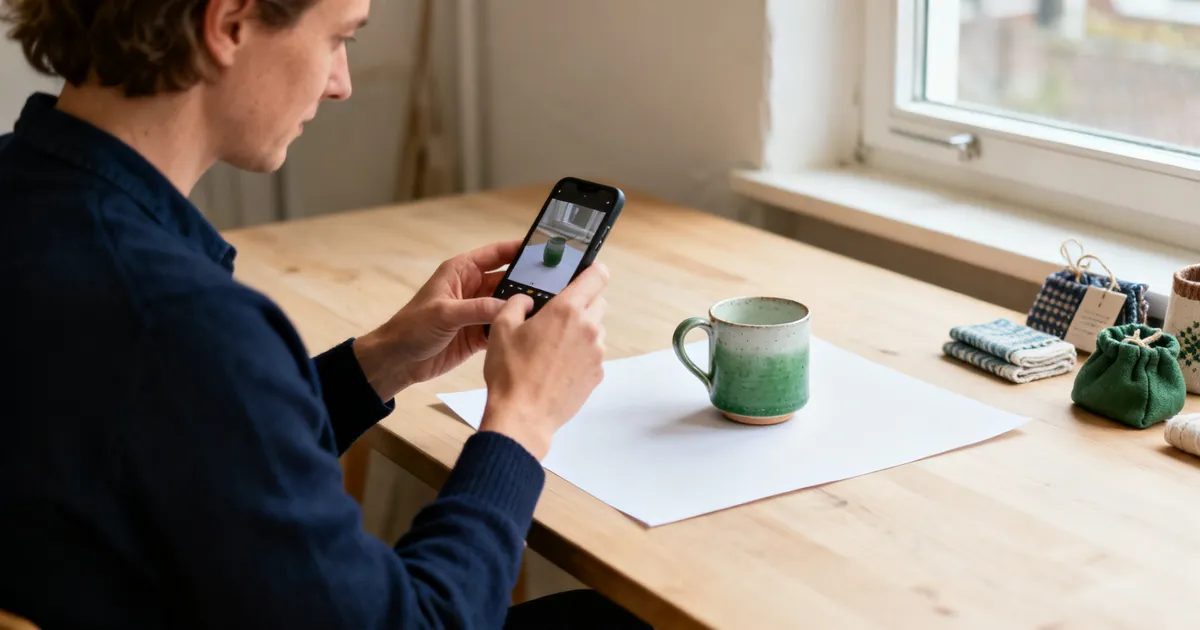
- Real photos. A plumber's own van and finished jobs beat stock photos. Phone pictures taken in daylight are fine.
How do you build a WordPress website, step by step?
First, one confusing point. WordPress.org is the free software you install on your own hosting. That is what most business owners mean. WordPress.com is a hosted service with its own plans and limits. This guide uses the first.
Follow the steps in this order:
- Register your domain name, either with the hosting company or a separate registrar.
- Buy a hosting plan. Pick one that installs WordPress for you in a few clicks.
- Install WordPress and log in to the admin area. This is the back office where you edit everything.
- Switch on SSL. This gives your site the padlock in the browser and an address starting with https. Most hosts do it with one button.
- Choose a theme. A theme is the design template of your site. Pick a light, simple one with good reviews.
- Create your pages and fill them with real text and photos before you touch colours or fonts.
- Set up the menu, add the few plugins you need (more on those below), check the site on your phone and publish.
Which pages and plugins do you need?
A small business site needs fewer pages than you think: a home page, one page per main service (or one services page if you only have a few), an About page, a Contact page and a privacy policy. A webshop adds product pages, a cart and a checkout, which WooCommerce creates for you.
A plugin is a small add-on that gives WordPress an extra feature. Fewer is better, because every plugin needs updates and can slow the site down. These are usually enough:
- An SEO plugin such as Yoast SEO or Rank Math, to set the page title and description that show in Google.
- A contact form plugin, unless your theme already includes a form.
- A backup plugin, so you can restore the site if something breaks.
- A security plugin, to block repeated login attempts.
- An image compression plugin, so big photos don't make pages slow.
- A cookie notice plugin, if you use ads or tracking and your country requires consent.
What does it cost to build a WordPress website, and is it free?
The WordPress software is free. The rest is not. You pay for the domain (yearly), hosting (monthly or yearly), and sometimes a premium theme or plugin. Check what the price is at renewal, not just in the first year, because introductory offers often go up afterwards. Your own hours are the biggest cost, and many people forget to count them.
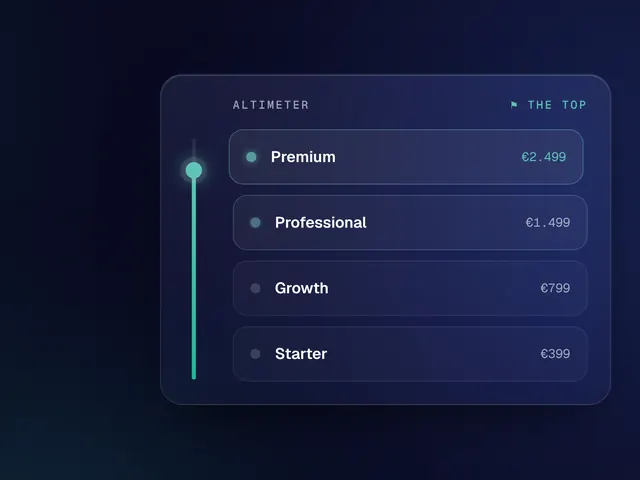
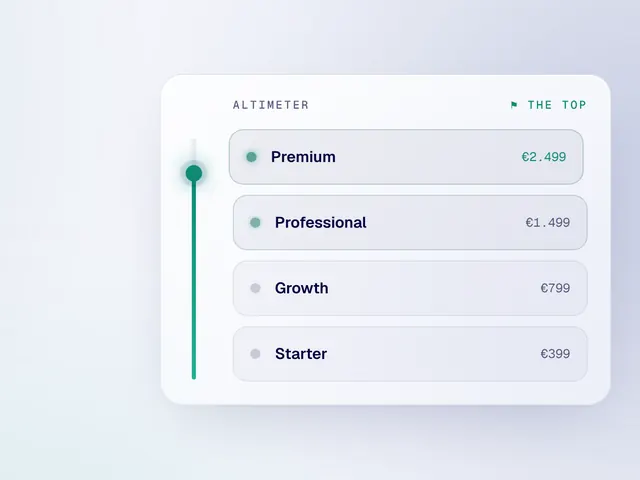
If you would rather have it built, my prices are fixed: a one-pager from €699, a website from €2,499 and a webshop from €3,499. Maintenance is €15 to €35 per month. For a broader comparison, read how much a website costs when you build it yourself or hire a professional.
Is WordPress hard, and is it better than Wix?
You can learn the basics in a weekend: installing, adding pages, swapping photos. A clean, good-looking site that loads fast takes longer. Expect to learn as you go.
Wix and similar builders are easier at the start, because hosting, design and editing sit in one place. The price is that you stay tied to their platform. WordPress gives you more freedom and more ownership, but you handle updates and backups yourself. For a business that wants to grow online, I still think WordPress is worth it. For a simple page you will rarely change, an all-in-one builder can be enough.
The downsides are real: updates, security, and plugins that clash with each other. Free builders exist too, but they usually come with a subdomain, adverts or limits that look unprofessional on a business site.
ChatGPT can help with draft text, page ideas and explaining a setting. It cannot log in to your hosting or know your real prices and opening hours. Treat its text as a first draft and edit it.
Who can help if you get stuck?
Start with your hosting company's support. Installation problems and SSL are their daily work. The WordPress support forums are good for questions about a specific plugin or theme. For a one-off fix, a freelancer is often cheaper than losing a weekend.
If you want the whole site done, website design at Growetic means you talk to me, Dimitry, and I do the work myself. With a new website you see it first, within 5 working days of the quickscan and a short call, before you sign. Afterwards, website maintenance keeps updates and backups taken care of.
Not sure whether to build or hand it over? Request the free quickscan. It is free, even if you don't buy anything, and you get a clear view of what your site needs.
Frequently asked questions
Can I learn WordPress in 3 days?
You can learn the basics in three days: install WordPress, choose a theme, add pages and publish a simple site. Making it fast, well organised and findable in Google takes longer. Start with a small site of four or five pages, and improve it bit by bit once it is live.
Is it free to create a website on WordPress?
The WordPress software is free, but a working business website is not. You need a domain name and hosting, and you may pay for a premium theme or plugins. Check renewal prices, not just the first-year offer, and count your own time as a cost too.
Which is better, Wix or WordPress?
It depends on what you need. Wix is easier to start with and keeps everything in one place. WordPress gives you more freedom and ownership, but you handle updates and backups. If you plan to add pages, a shop or more advanced features later, WordPress is usually the better base.
What is the downside of using WordPress?
WordPress needs upkeep. Core software, themes and plugins need regular updates, and an out-of-date site is easier to hack. Plugins can also clash or slow the site down. Keep the plugin list short, make backups, and set aside a little time each month or pay for maintenance.
Dimitry founder of Growetic. He does SEO, Google Ads and websites for businesses in the Netherlands, on Bonaire and in Spain.